


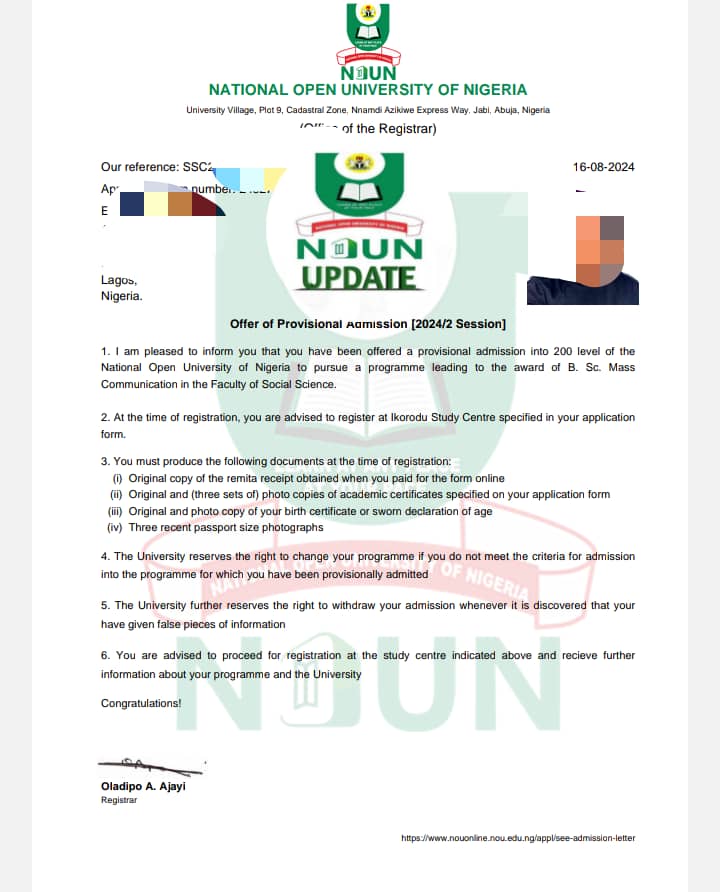
Comprehensive Guide to NOUN Application Form and Admission Requirements
The National Open University of Nigeria (NOUN) stands as the premier ODL (Open and Distance Learning) institution in the country, providing flexible, accessible, and affordable education. Unlike traditional universities, NOUN allows students to study at their own pace, making it an ideal choice for working professionals, business owners, and individuals seeking academic advancement without leaving their current locations.
If you are looking to enroll, this comprehensive guide covers everything you need to know about the NOUN application form, general and program-specific admission requirements, and a step-by-step application walkthrough. For more detailed study updates and guides, you can always explore Student Arrive.
1. Overview of the NOUN Admission Form
The NOUN admission form is your gateway to securing provisional admission into any of the available programs.
- JAMB Requirement Note: One of the greatest advantages of NOUN undergraduate programs is that you do not need to write the Unified Tertiary Matriculation Examination (UTME). Admission is processed directly through the university portal. However, successful candidates undergo a subsequent JAMB regularization process after admission.
- Form Categories: Separate application frameworks exist for Undergraduate, Postgraduate Diploma (PGD), Master’s Degree, and Doctor of Philosophy (Ph.D.) programs.
2. General Admission Requirements
While specific faculties may have unique prerequisites, general baseline criteria apply across various levels of study:
A. Undergraduate Programs (B.Sc., B.A., B.Ed., etc.)
- O’Level Credits: Candidates must possess a minimum of five (5) credit passes in relevant subjects at not more than two sittings in WAEC, NECO, GCE, or NABTEB.
- Compulsory Subjects: Credits in English Language and Mathematics are compulsory for almost all courses. Note: Some specific science or arts courses may accept a pass in mathematics, but a credit is widely recommended.
- Direct Entry: Applicants seeking direct entry into 200-level must present an ND, NCE, HND, or equivalent professional qualifications alongside their O’Level results.
B. Postgraduate Programs (PGD & Master’s)
- O’Level Requirement: Must meet the basic matriculation requirement of 5 O’Level credits, including English and Mathematics.
- Postgraduate Diplomas (PGD): A relevant Bachelor’s degree from a recognized university or a Higher National Diploma (HND) with at least a Lower Credit.
- Master’s Degree Programs: A first degree with a minimum of a Second Class Lower in a related field. Candidates with lower classifications may sometimes be considered if they possess substantial post-qualification professional experience.
C. Doctor of Philosophy (Ph.D.) Programs
- Candidates must possess a Master’s degree in a relevant discipline from NOUN or any university recognized by the Senate, with a minimum Cumulative Grade Point Average (CGPA) threshold (typically 3.50 or 4.00 on a 5.00 scale, depending on the department).
3. Step-by-Step Guide on How to Apply for NOUN
The application process is fully automated and handled online. Follow these systematic steps to complete your registration seamlessly:
- Visit the Application Portal: Navigate to the official NOUN application portal (
nouonline.nou.edu.ng). - Check Eligibility: Select your preferred Faculty, program, and entry level. Click on the “View Requirement” button to confirm that you meet the departmental criteria.
- Fill the Pre-Payment Form: Complete the initial data fields required for your pre-payment registration.
- Generate Remita Retrieval Reference (RRR): Upon successful submission of the initial form, you will be redirected to Remita. You can choose to pay online using your debit card or print the RRR invoice to pay at any commercial bank branch.
- Complete the Online Form: Once payment is verified, log back into the portal using your generated Unique ID and RRR. Fill out the main application form comprehensively.
- Upload Supporting Documents: Scan and upload clear copies of required documents, which typically include:
- Birth Certificate or Declaration of Age
- O’Level certificates
- Passport-sized photograph (white background)
- Previous academic credentials (ND/HND/Degree certificates for higher levels)
- Submit and Print: Review all entered data carefully before final submission. Print a copy of the completed application form and payment receipt for your records and subsequent physical screening.
Pro-Tip: Always ensure your email address and phone number are active throughout the application and admission cycle, as official updates and notifications are routinely communicated through them. For more timely updates on admission lists, school fees, and academic support, check out resources curated onStudent Arrive.