Comprehensive Guide to the NOUN Official Website (nou.edu.ng) and Student Portals
The National Open University of Nigeria (NOUN) is Africa’s premier Open and Distance Learning (ODL) institution, offering flexible, accessible, and qualitative education tailored to suit working professionals, full-time students, and lifelong learners. Navigating the digital infrastructure of the institution is essential for academic success.
1. Overview of the NOUN Official Website (nou.edu.ng)
The primary web domain for the university is nou.edu.ng. It functions as the central information hub for prospective applicants, current students, researchers, and the general public.
Key Sections and Features on the Homepage:
- Admissions & Apply Now: Detailed criteria for undergraduate, postgraduate, and certificate programs.
- Academics: Insights into various faculties (Education, Law, Science, Social Sciences, Management Sciences, Arts, Agricultural Sciences, and Health Sciences).
- Information Call Centre (NICC): Official helpline contacts and email support lines (
centralinfo@noun.edu.ng) for inquiries. - Student Support Services: Resources designed to aid remote learning and address technical challenges.
- eCourseware: A repository of digital course materials open for student download and study.
2. Navigating the Student Portals (nouonline.net & portal.nou.edu.ng)
While nou.edu.ng handles general public relations and institutional information, transactional tasks such as registration, fee payment, and result checking are managed through dedicated student web portals.
- Portal Registration & Semester Sign-up: Students use platforms like
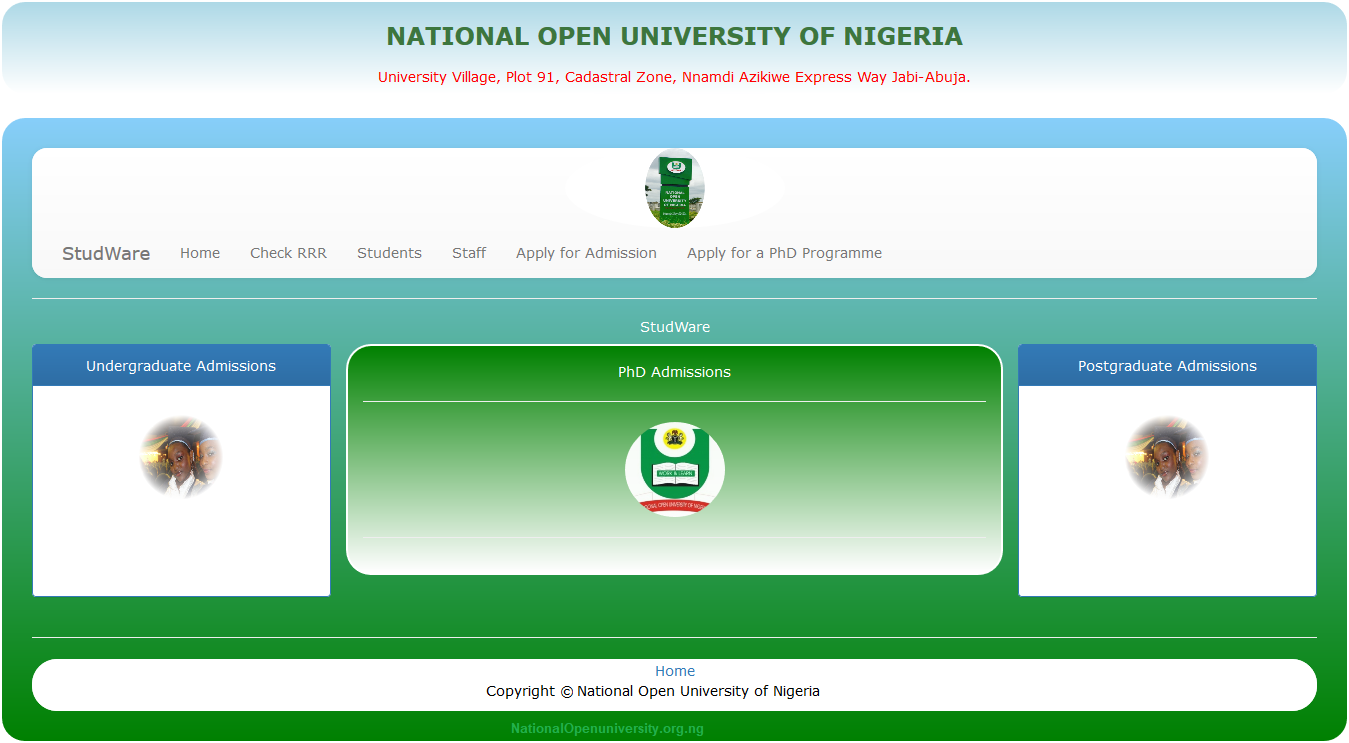
www.nouonline.netfor wallet funding (via Remita RRR codes), course registration, and exam sign-ups. - Additional Guidance: For step-by-step breakdowns on navigating these student dashboards, setting up profiles, or resolving common portal glitches, you can check out targeted resources via Student Arrive.
3. Step-by-Step Guide: How to Complete Semester Registration
Returning and new students must follow a strict routine each semester to maintain active student status:
- Access the Portal: Open your browser and navigate to the official portal page.
- Student Login / Portal Update: Log in using your assigned Matriculation Number and password. If it is a new session requiring a portal update, complete the initial prompt sequence.
- Wallet Funding:
- Navigate to Manage Wallet.
- Select Load Wallet, input your desired fee amount, and generate your Remita Retrieval Reference (RRR).
- Pay online or via any commercial bank branch using the RRR.
- Confirm Payment: Return to the portal, click Check Payment Status, and verify that your funds reflect in your wallet.
- Course & Exam Registration:
- Select Registration from the dashboard menu.
- Choose Semester Registration, state your current semester count accurately, and submit.
- Proceed to pick your specific course registrations and examination slots.
4. Best Practices for NOUN Students
- Verify Links: Always ensure you are visiting URLs ending with the official
.edu.ngextension or recognized student portals to protect your login credentials. - Keep Credentials Secure: Do not share your portal password or email access details with unverified third parties offering registration help.
- Regularly Check Your NOUN Email: Activate your assigned student email address (formatted with your matriculation number) to receive vital university updates, TMA schedules, and administrative notices.
Disclaimer: Always prioritize official notifications published directly on
nou.edu.ngover third-party interpretations to stay fully compliant with university rules and academic calendar timelines.